


Nerdy Pop-up Cards: Mario, Pac-Man, & Star Wars
Ever have difficulties finding that perfect card for your nerd friend or geek relative? Well, never again! Today I will show you how to make your own nerdy card perfect for any occasion. Each pop-up card includes a template and instructions for easy creation… build Super Mario’s castle, recreate the Pac-Man arcade, or choose a side of the force with Star Wars -Yoda and Darth Vader! Continue reading to find out just how simple these fun cards are to make.

Materials
- Cutting board or mat
- Colored paper (8.5×11 cardstock is recommended)
- Printed templates (see end of post for files)
- Precision cutting tool (i.e. X-acto knife)
- Adhesive (glue stick or double-sided tape)
- Ruler (optional, but can assist with precision cutting)
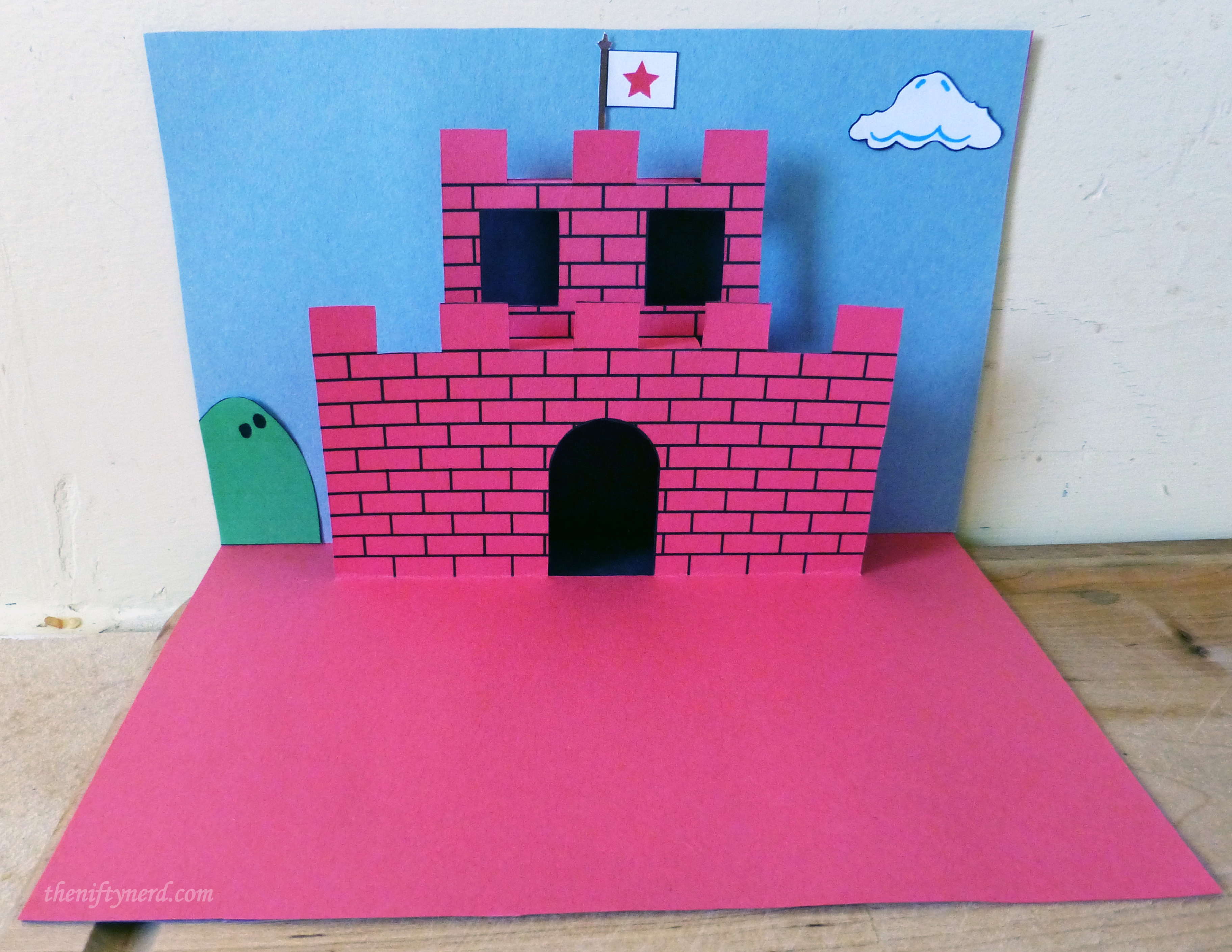
Super Mario Castle Pop-up Card
- Print out the template for ‘Side A’ on a piece of paper in your choice of color
- (optional) Print out the image for ‘Side B’ on the reverse of your ‘Side A’ sheet. (For my printer, I take the printed sheet and insert it back into my printer with the previously printed side facing down and the top of the page being inserted 1st).
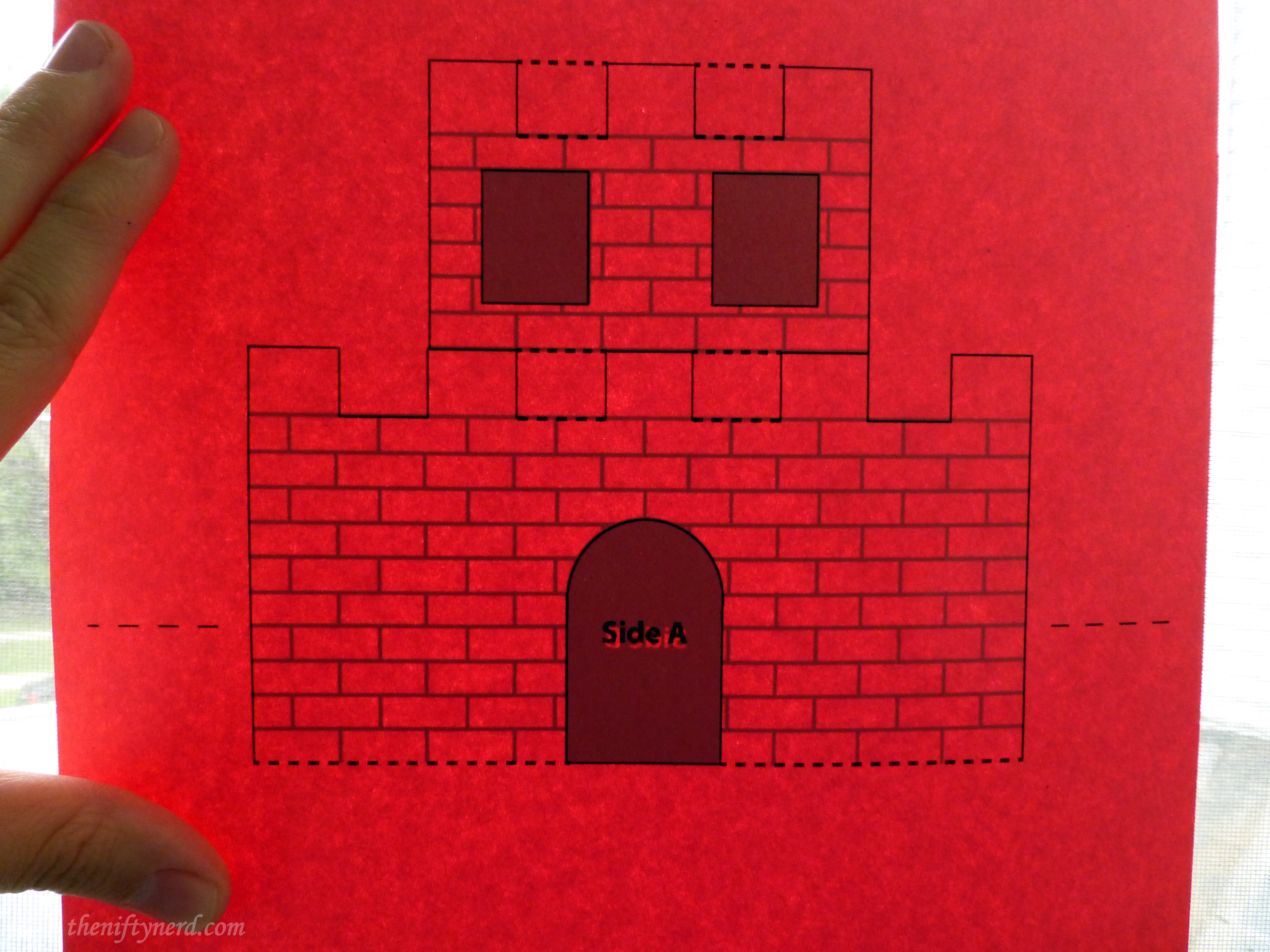
- Using your cutting utensil (and ruler), cut all solid lines on ‘Side A’ (do NOT cut the dash line areas)
- Flip your sheet over and fold the castle along the dotted lines (I find it easiest to start with the large fold at the bottom of the castle and finish with the actual fold line of the card itself). See reference images for assistance. This may seem slightly confusing at first, but you’ll get the hang of it quickly, I promise! Remember, we’re folding for a pop-up so the castle will come up from the base of the card, the connecting support will fold back, the 2nd tier will fold up, then the top connecting support will fold back to meet the top back of the card.
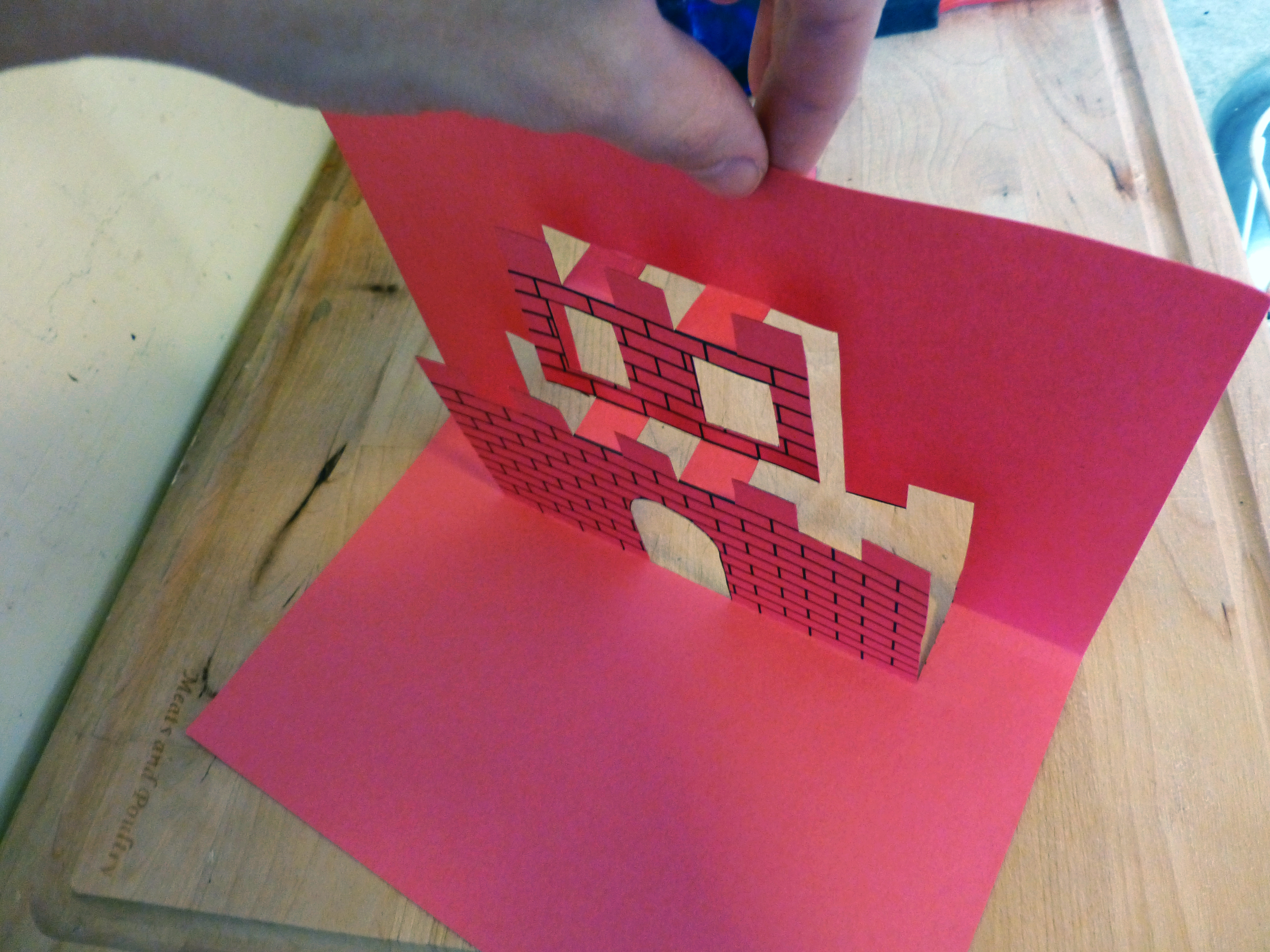
- Trace the outline of the castle onto a blue sheet of paper to be used as a back drop. Glue this to your inside pop-up sheet. Cut out a black rectangle that’s larger than the castle to be used as a secondary backdrop. Glue this to your outer piece of paper (again see reference photos).
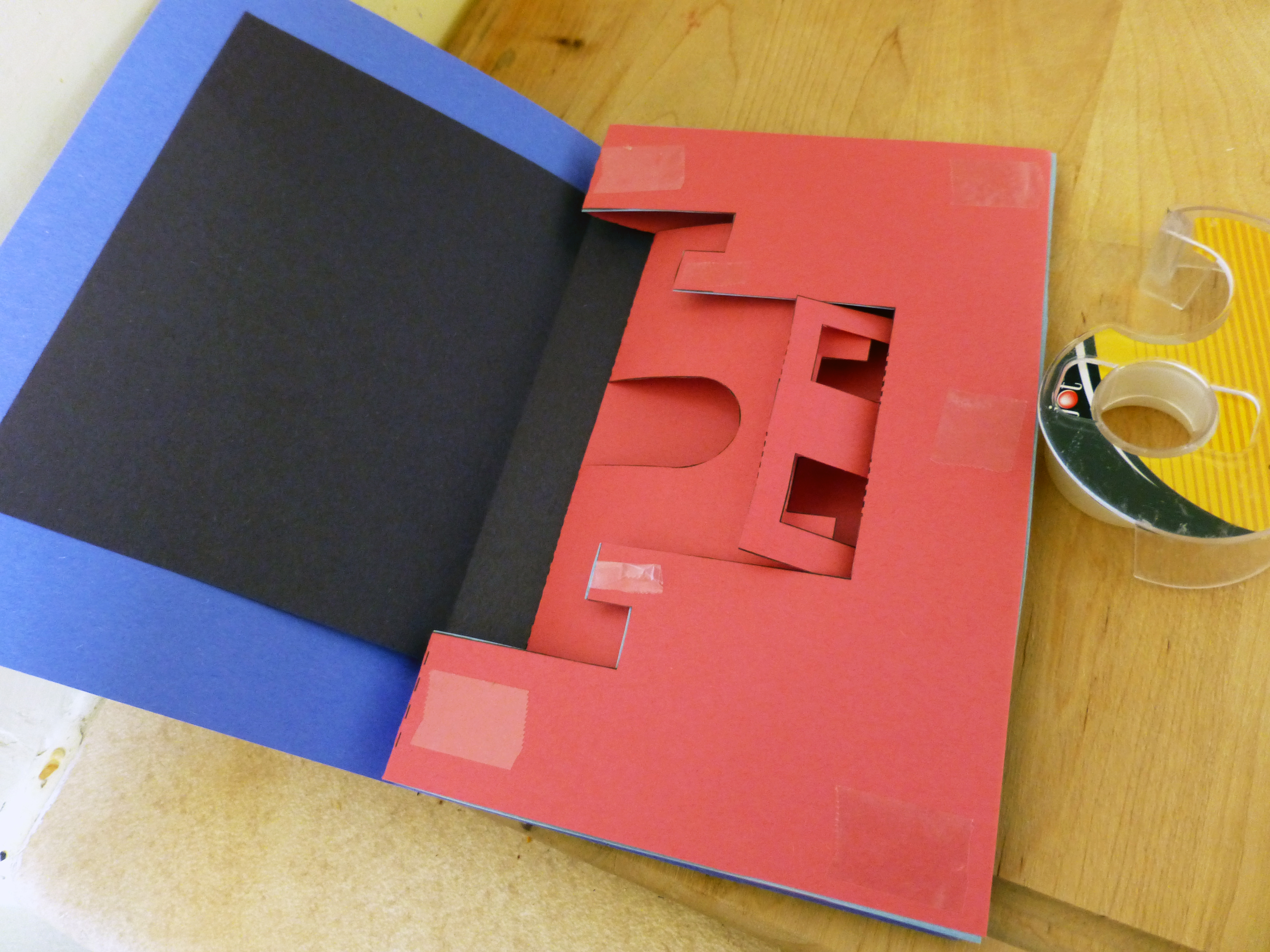
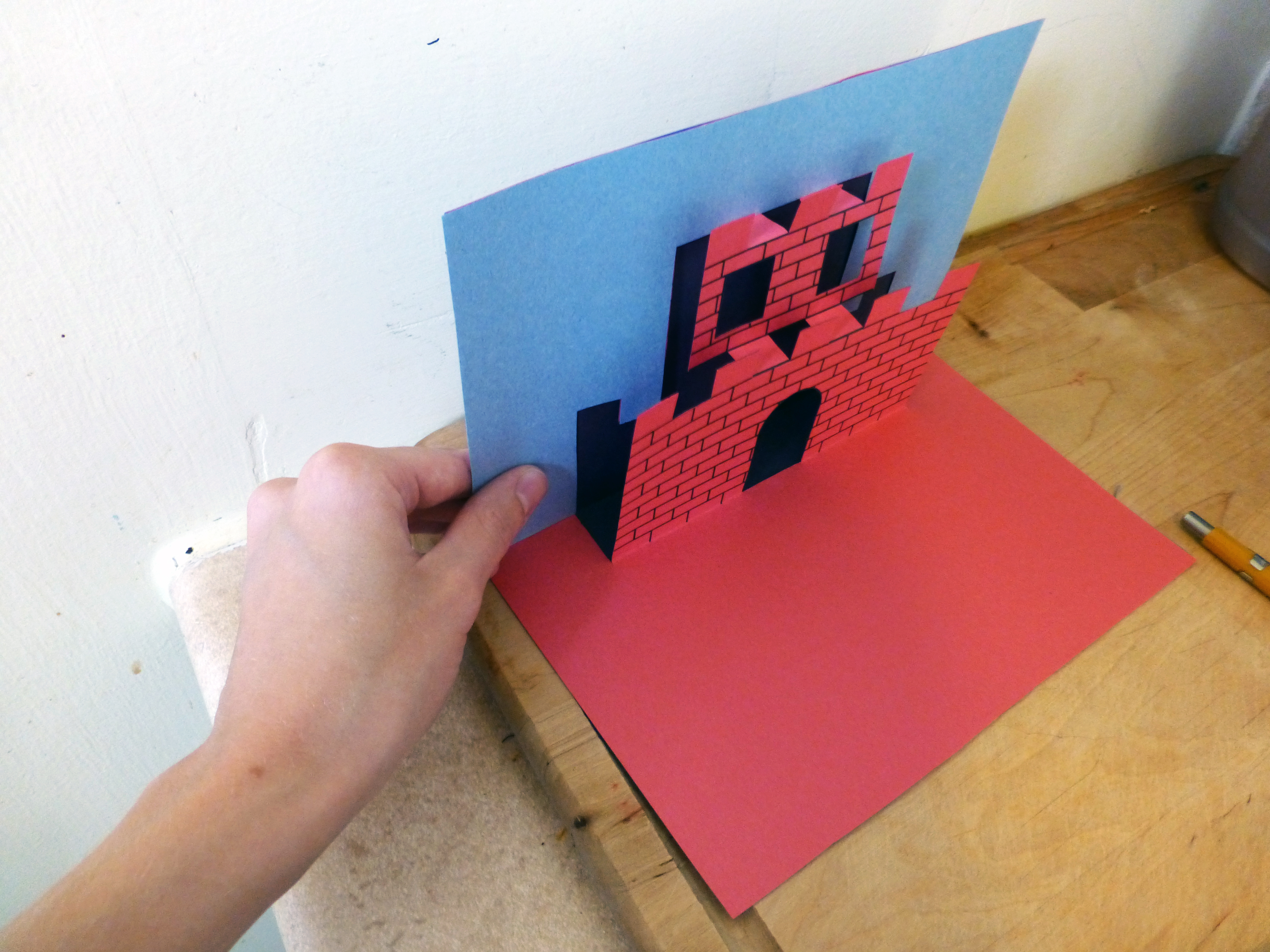
- Line up your inside and outside sheets and adhere them together. Be sure not to place glue/tape on the parts that need to pop-up.
- Add additional detail as desired!
 |
 |
Pac-Man Pop-up Card
- Print out your maze and Pac-man pieces templates.
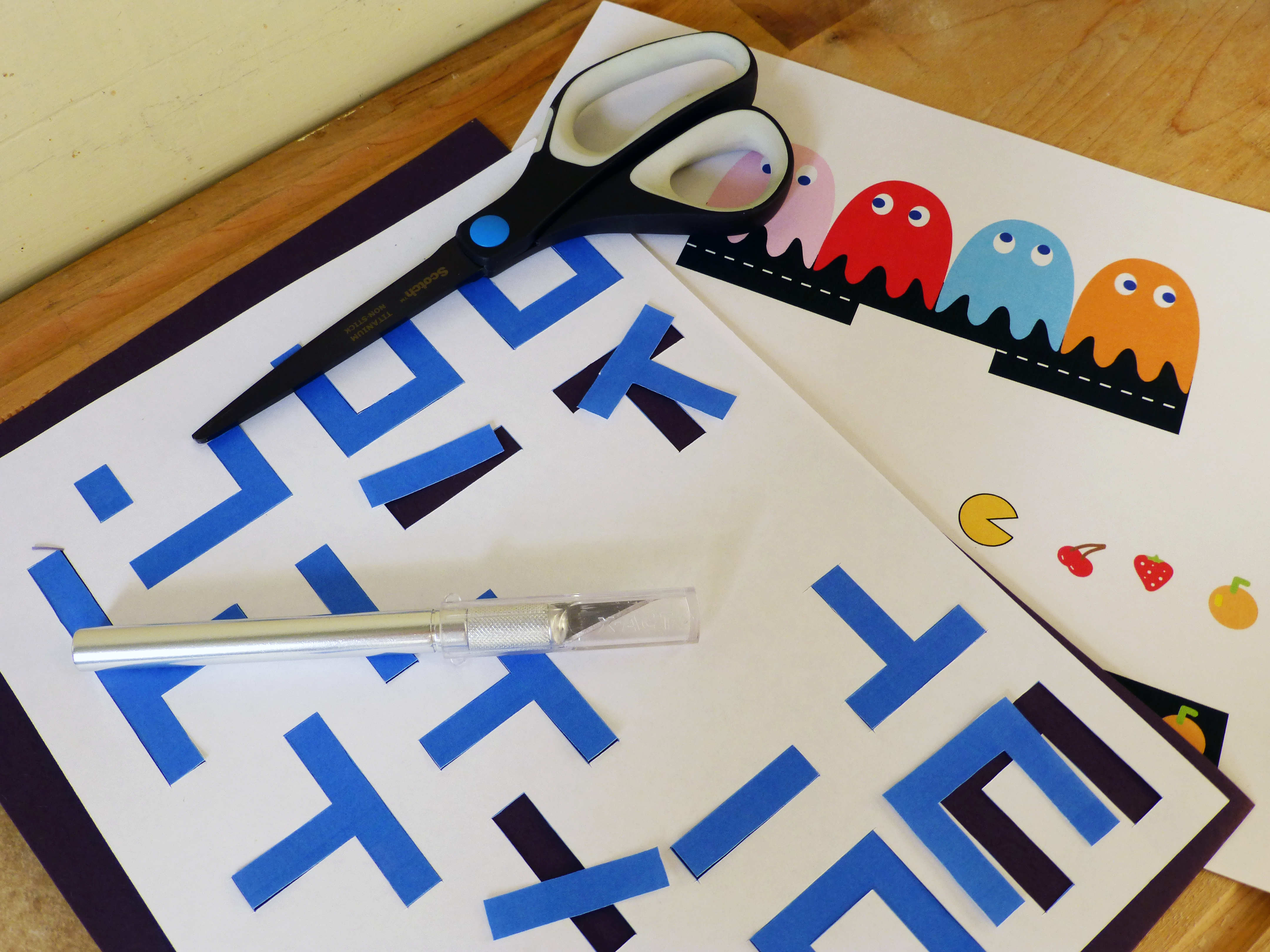
- Cut all pieces out, then arrange and glue down the maze.
- Cut out yellow circles, arrange, and glue down (I’d recommend using a hole punch for the dots).
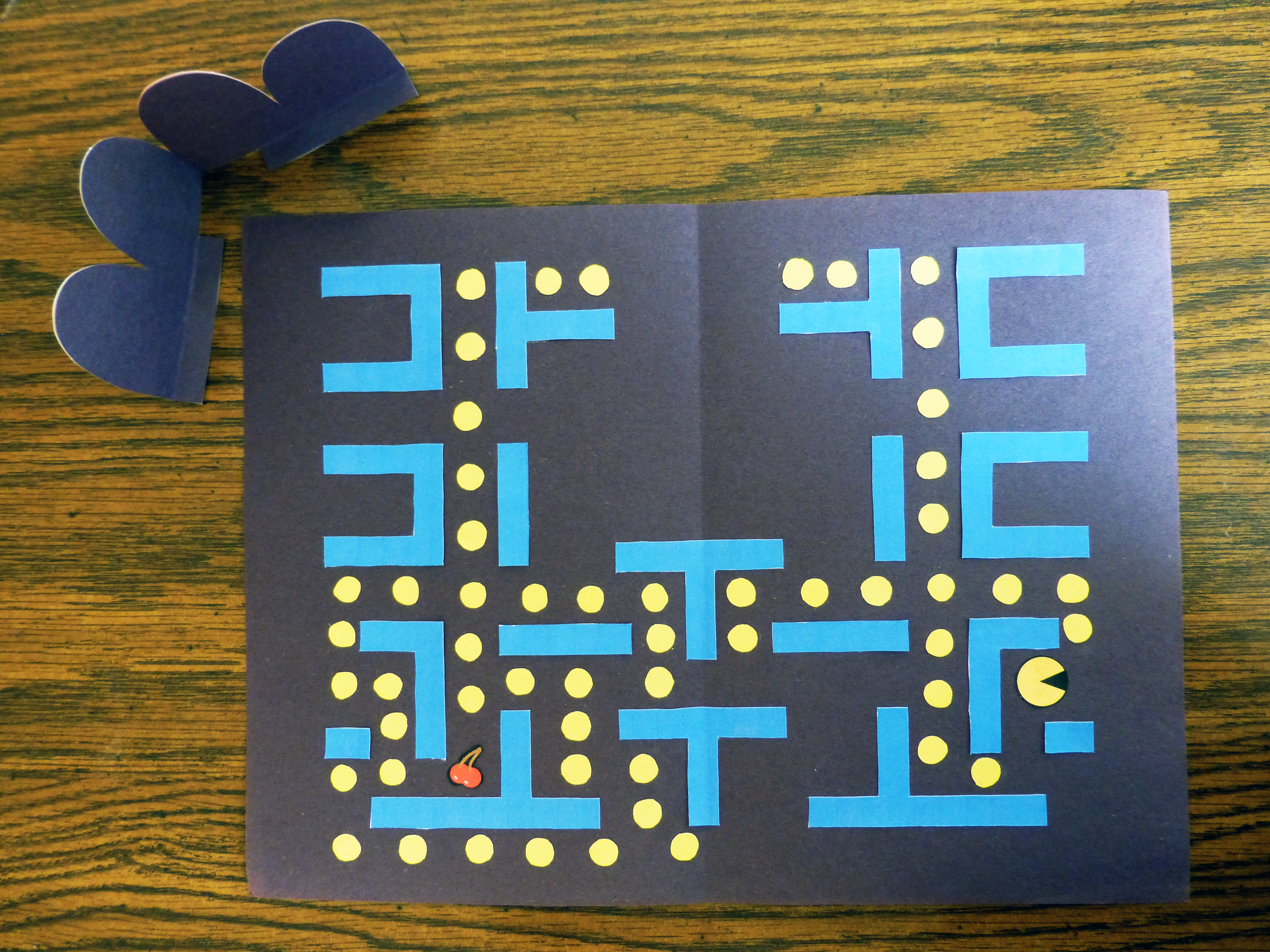
- Fold and unfold the tabs on the ghost piece and then fold them in half (back side touching).
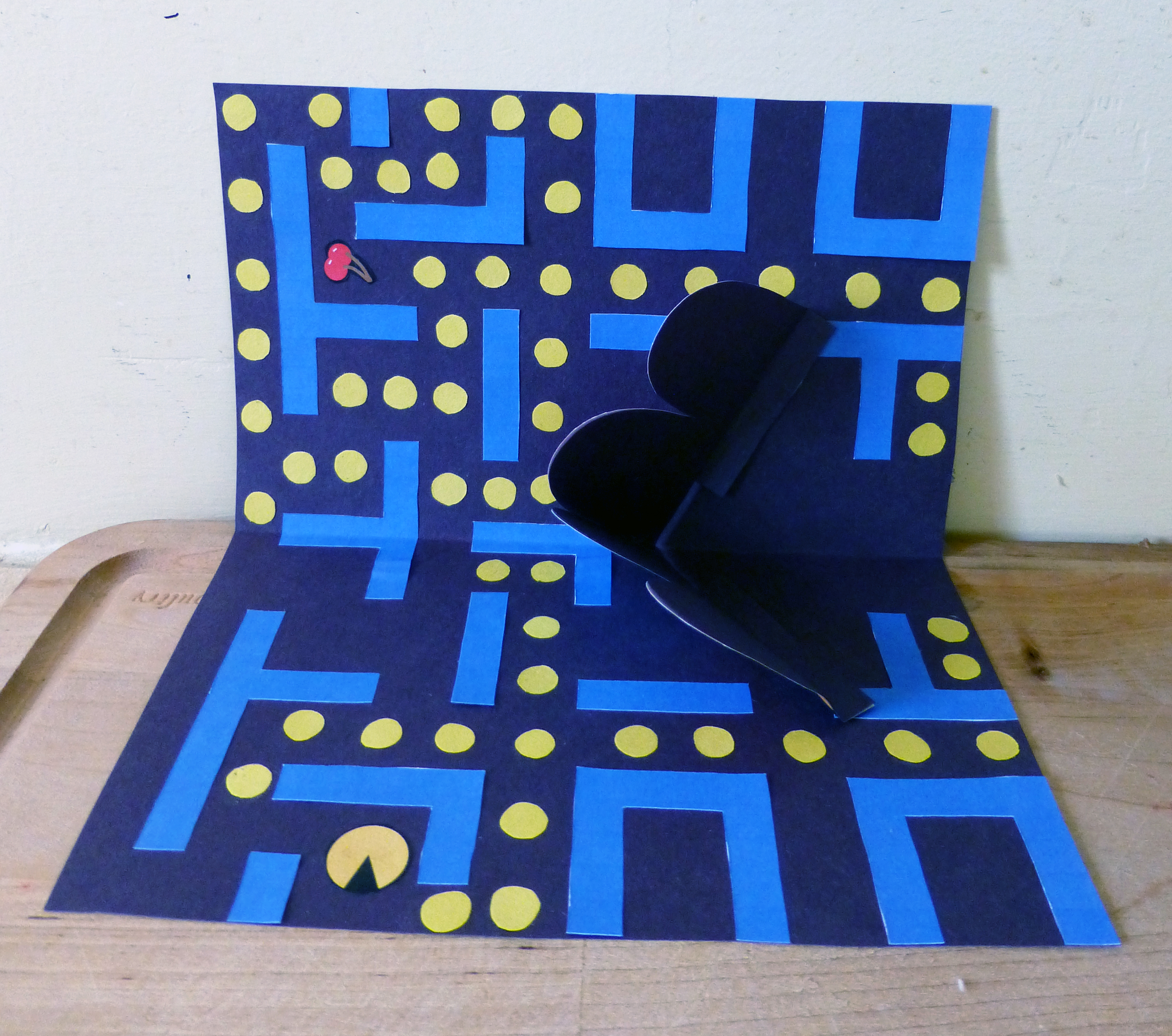
- Align the bottom corner of the red ghost with the center fold of your card. Angle the ghosts at an upward angle and glue each tab to either side of the card. (see reference photo)

- Trim card edges if needed or desired.
- Gift to the nerdiest person you know!
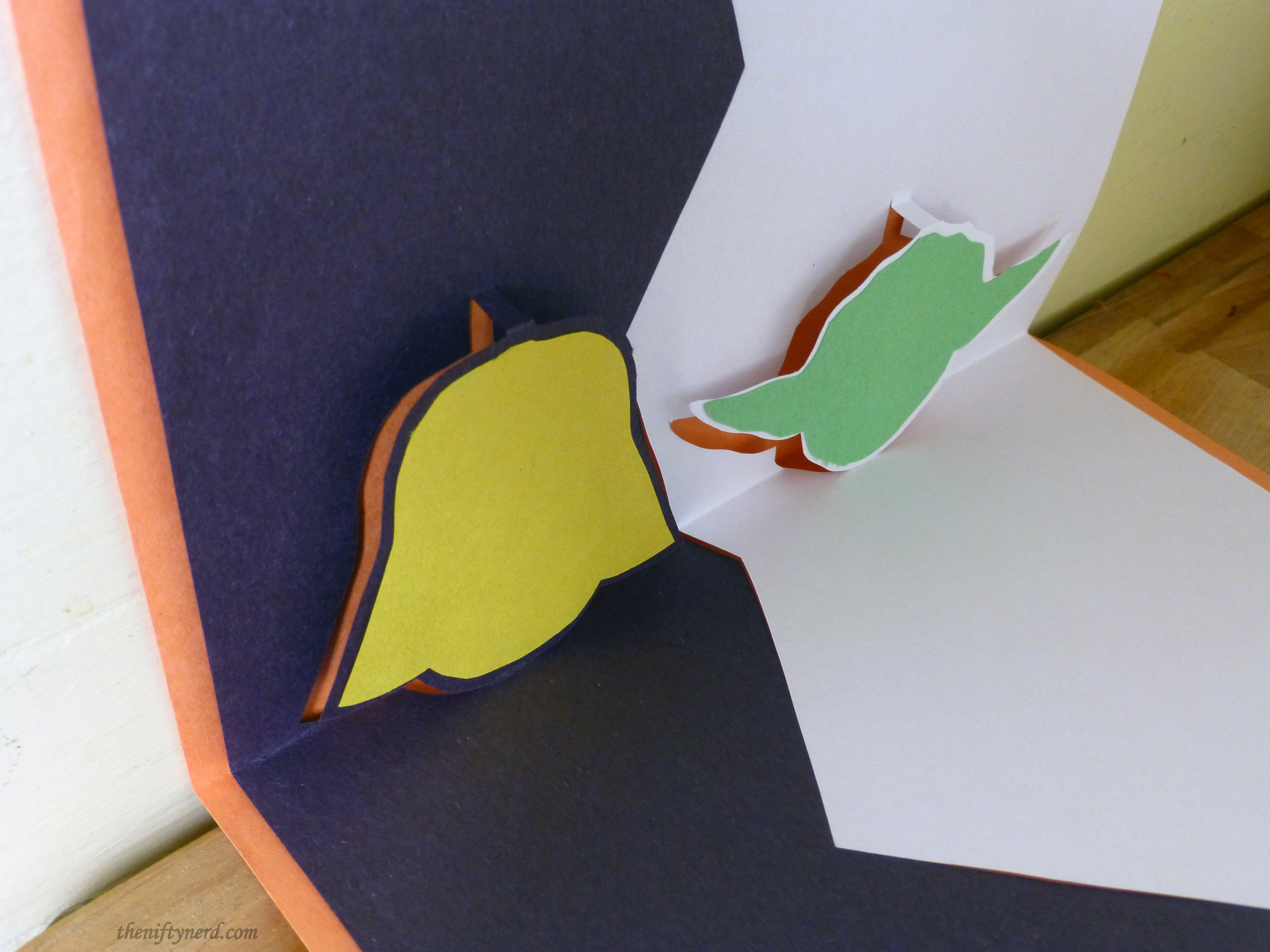
Yoda & Darth Vader Star Wars Pop-up Card
Follow the procedures outlined for the Super Mario castle card:
- Print the template (only 1 sided)
- Cut the solid lines
- Fold on the dash lines
- Glue to card back
Pop-up Card PDF Templates
Mario Castle Template
Pac-Man Template
Yoda & Vader Star Wars Template
Further questions about the construction process? Leave a comment below and I’ll be happy to assist!
Made your own card? Let me know how it turned out!
Made your own card? Let me know how it turned out!
Recommended Posts


Comments
Cool cards.